
Log in to your Plesk Panel Hosting
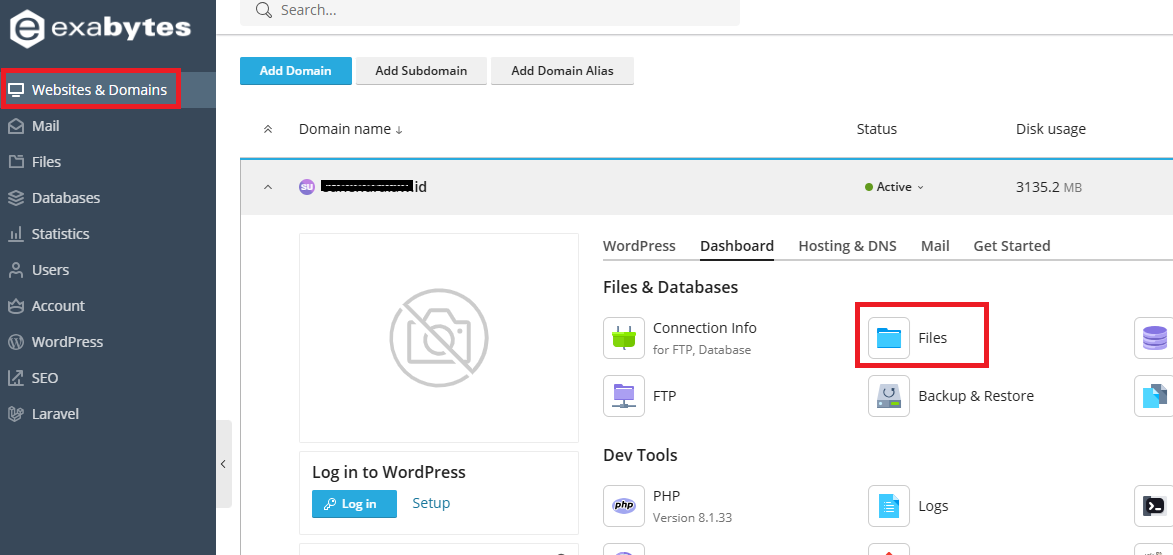
Go to Websites & Domains >> Find your website domain >> then open the Files menu
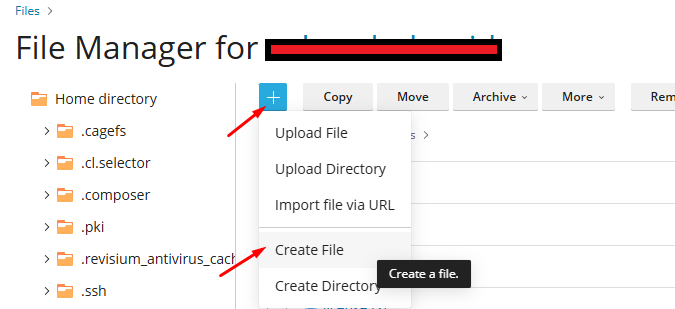
In the File Manager, create a new file by clicking “+” >> “Create File,” as shown below
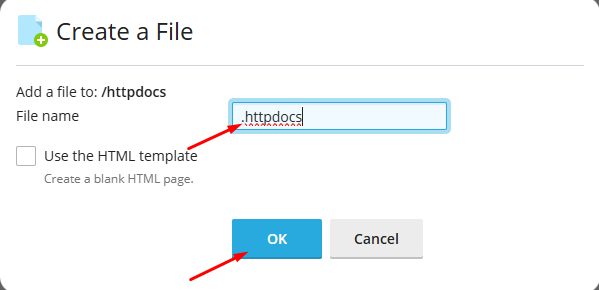
Name the new file .htaccess, then click OK
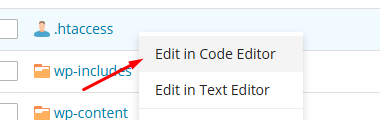
Add the following line to the .htaccess file (replace
your-destination-url.comwith your target domain or URL):
Redirect 301 / http://your-destination-url.com/
After that, save the .htaccess file. At this stage, your domain has been successfully redirected to the target address.
The redirect above uses 301 (Permanent Redirect), which is the most common type of redirect used for permanent redirections.
---
If you prefer to use other redirect types, you can adjust them as needed. Below are some examples:
- 302 (Temporary Redirect)
Use this option if the redirect is only temporary, such as when you want to direct visitors to another page for a limited period.
Redirect 302 / http://your-destination-url.com/
Redirect a specific index.html file to another subfolder
Redirect /index.html http://domain-example.com/new-directory/
Redirect an old file to a new file:
Redirect /direktorilama/filelama.html http://domain-example.com/new-directory/new-file-name.html
<META HTTP-EQUIV=Refresh CONTENT="0;url=https://your-domain.com/id/sign-up/?lid=76283">