
Question :
How to enable email two-factor authentication within your Exabytes Indonesia client area?
Answer :
First write in email to support@exabytes.co.id and make a request to disable 2FA login in client area. Make sure you are sending from primary email.
After you have a reply from staff, 2FA should be already disabled. Now login to your client area.
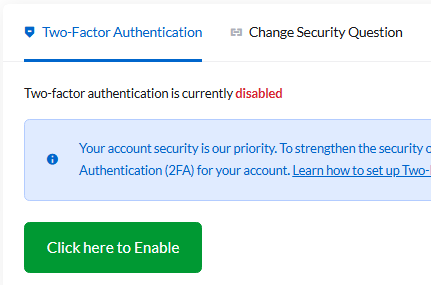
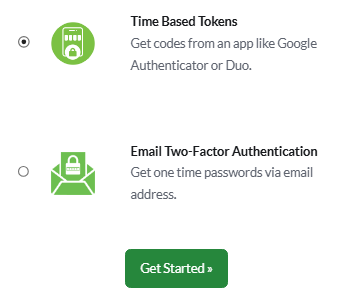
Now click here to Enable and choose Email Two-Factor Authentication and click Get Started.
Check your email and see the code authentication.
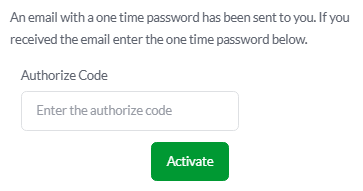
Once you got the code, then enter it and you will received confirmation notice and backup code. Please do backup the backup code into your own document.
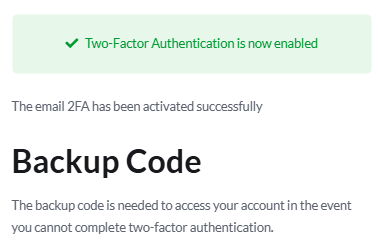
Done! Each time you entered client area, it will asked OTP code which sent into your email.