
Question :
How to Know Wordpress Admin User and Password on Plesk
Applicabe to :
- WP Beginner / Businss / Commerce / Ultimate
- Plesk Mini / Plus / Pro / Max
Answer :
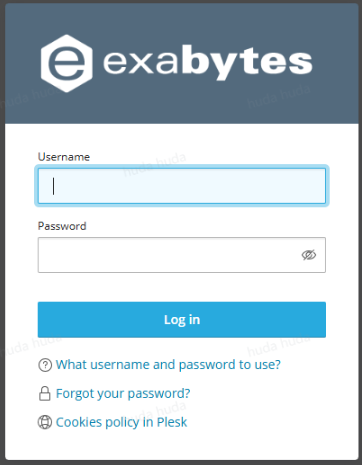
You need to login to Plesk control panel first. You may login to client area and login directly from there.
Within your Plesk account, go to Websites & Domains → select your WordPress domain name.
In this menu, find Log in to WordPress and click Setup.
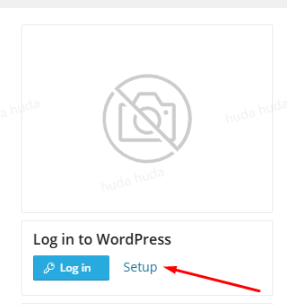
In the Setup menu, you can view your WordPress login URL, Administrator username, and password detail.
