
If you notice an increase in bandwidth and/or resource usage on your service due to bot/crawler traffic, as shown below:
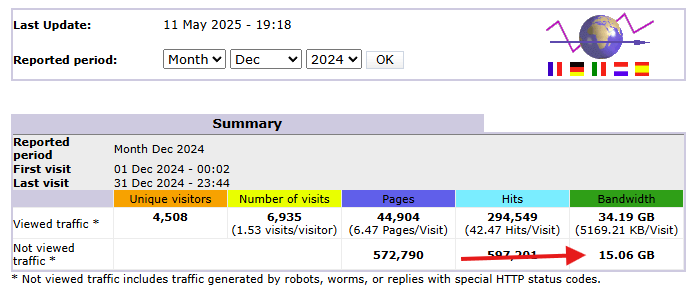
You can use the "Bot Fight Mode" feature in Cloudflare by following the guide below. Please ensure you have completed the initial Cloudflare setup; if you have not yet set up your domain on Cloudflare, refer to this guide:
Initial Cloudflare Setup
Log in to Dashboard Cloudflare
Use the link: https://dash.cloudflare.com/ Then, navigate to the domain for which you want to set up bot protection:
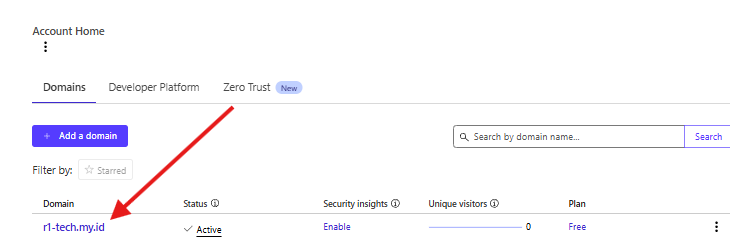
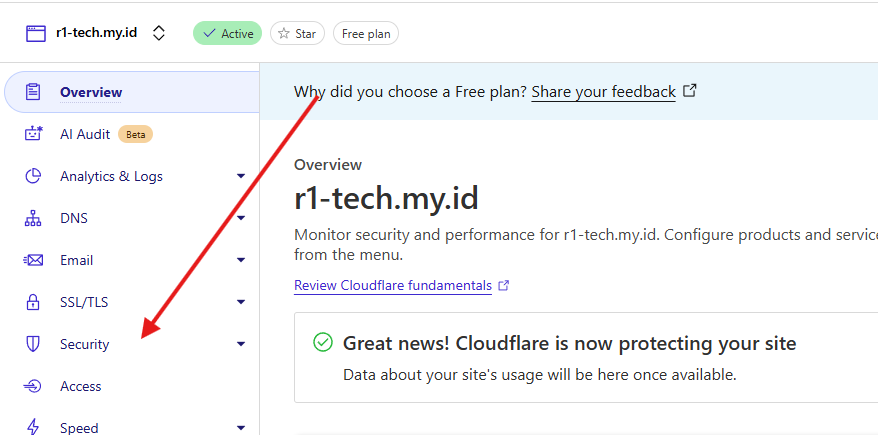
Select and click the Security menu:
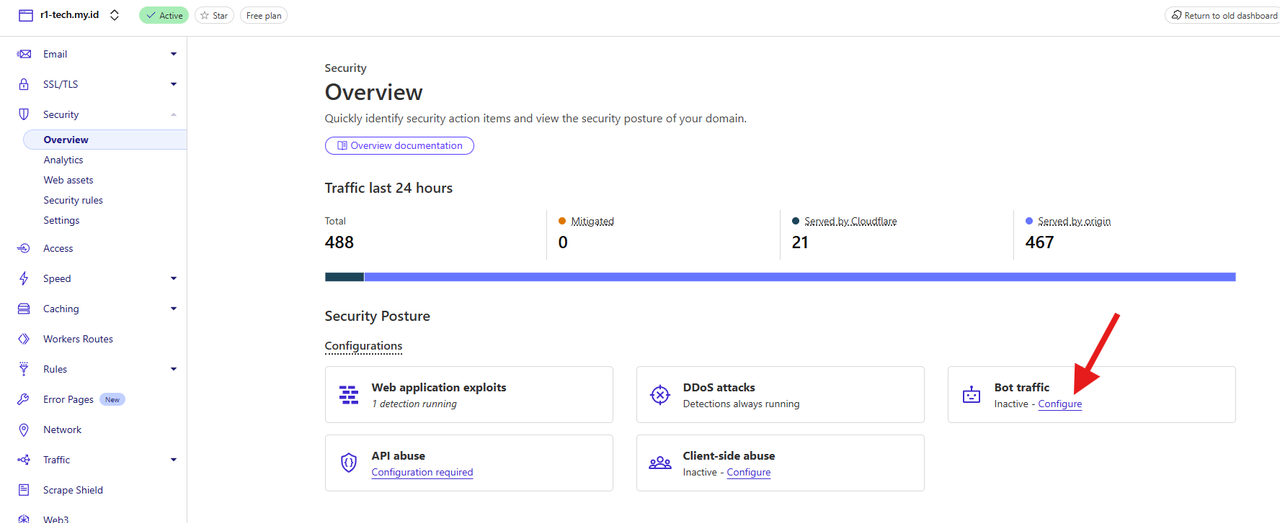
Click configure under the Bot Traffic section:
4. Click and enable the Bot Fight Mode feature:
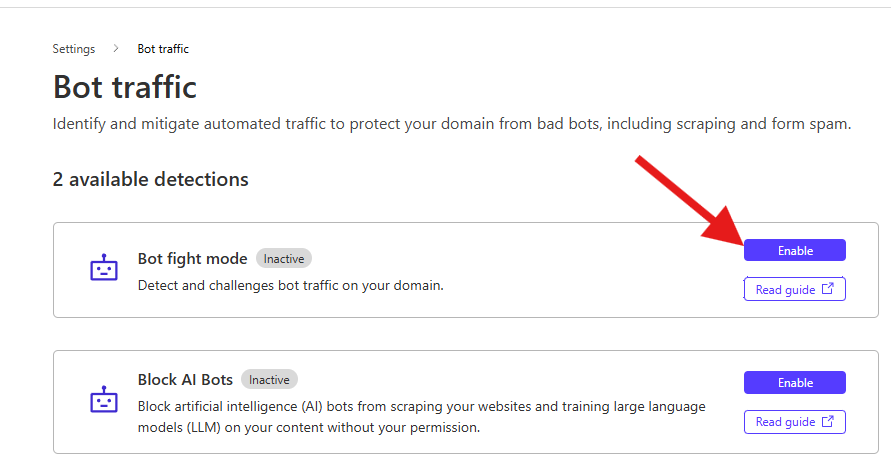
Until the status changes to active:
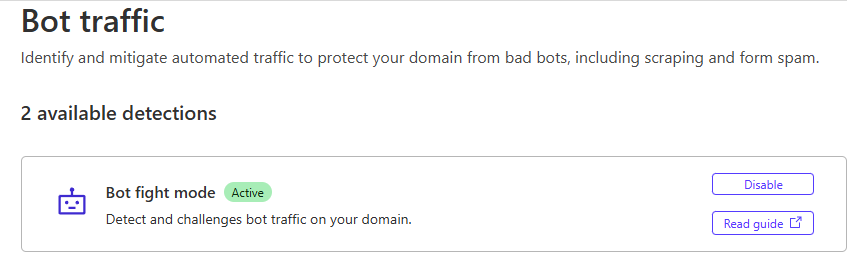
This way, bot/crawler traffic will be filtered by Cloudflare, saving bandwidth and server resources.
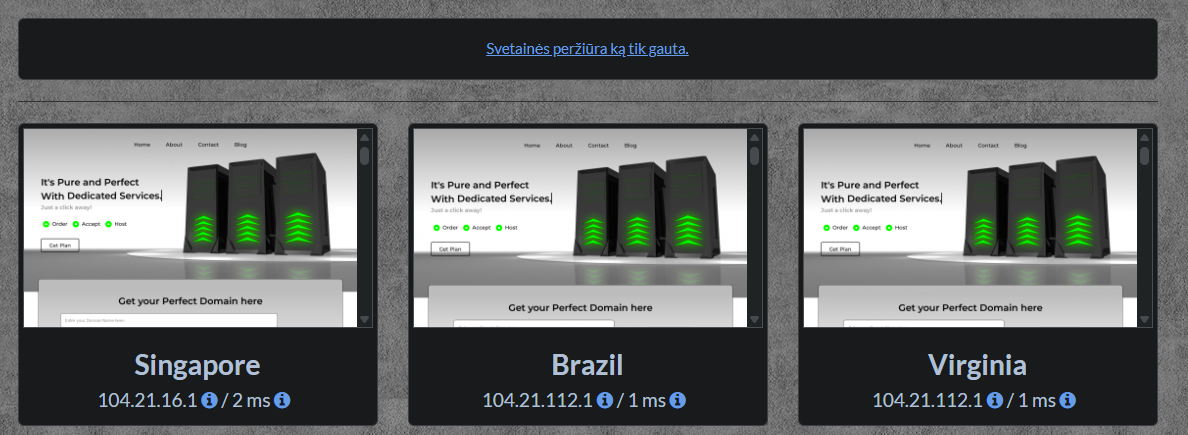
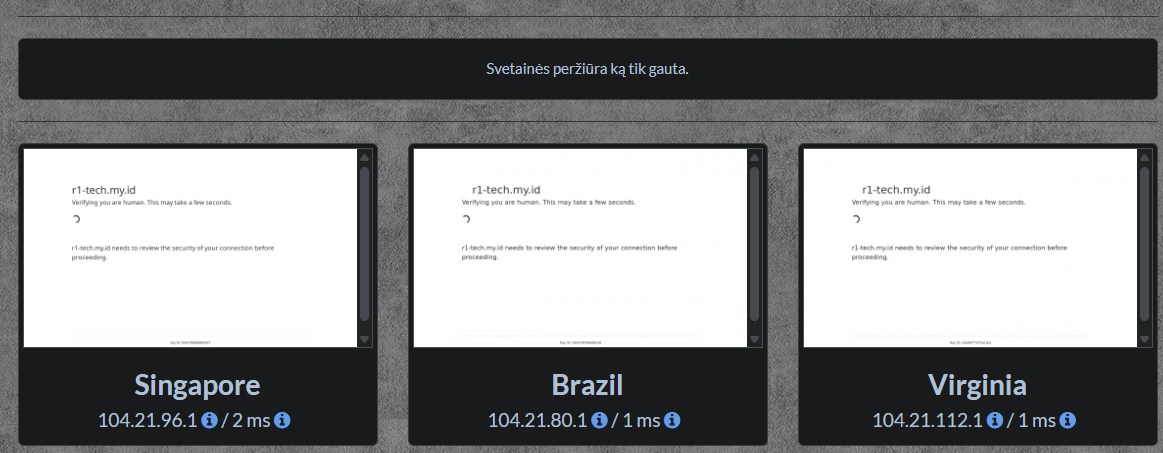
Here's a comparison :
BOT Fight Mode - OFF
BOT Fight Mode - ON - Traffic Filtered
That concludes the Bot Fight Mode setup we have outlined above.