Question:
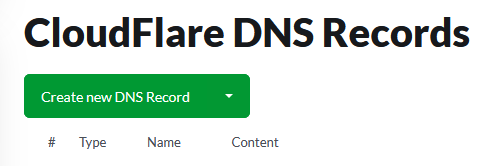
How to modify Cloudflare DNS from Exabytes Indonesia Client Area?
Applicable to:
Cloudflare Managed from Exabytes Indonesia.
Answer:
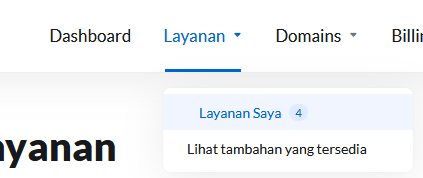
Go to your client area first, and click Layanan > Layanan Saya.
Choose your Cloudflare account.
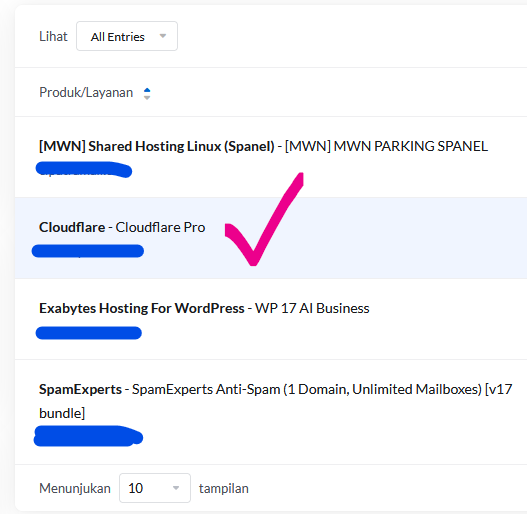
Yes, click directly into that marked checklist area.
And choose DNS you wish to remove, or add.