
By default, the primary domain on the v17 hosting plan will be pre-installed with the AI set once provisioned. However, since the AI set can be applied to addon domains & subdomains, clients only need to select the set after WordPress installation to the domain.
Below are the guided steps:-
1. Log in to your Plesk panel
2. Redirect to WordPress/WordPress Management
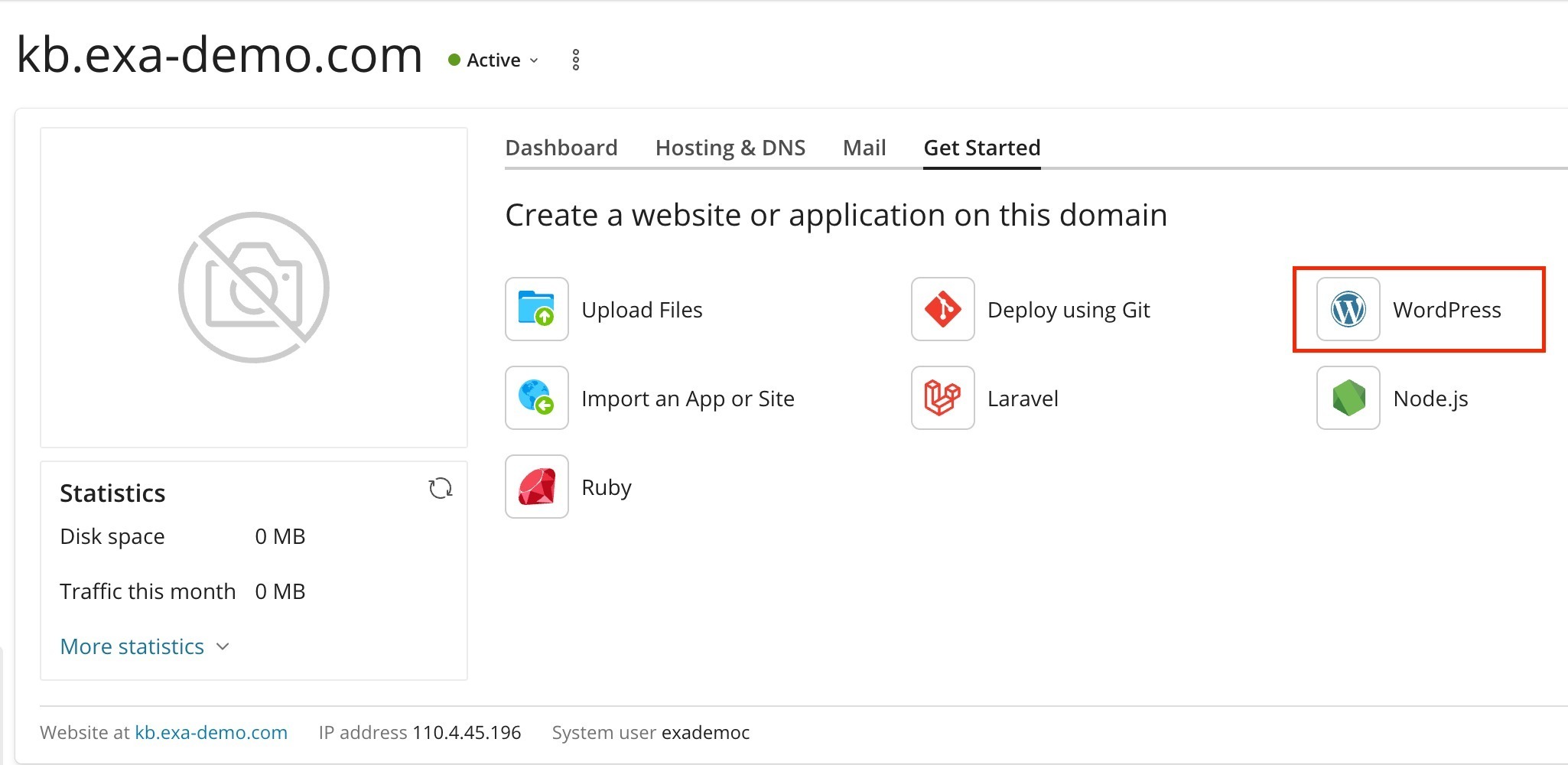
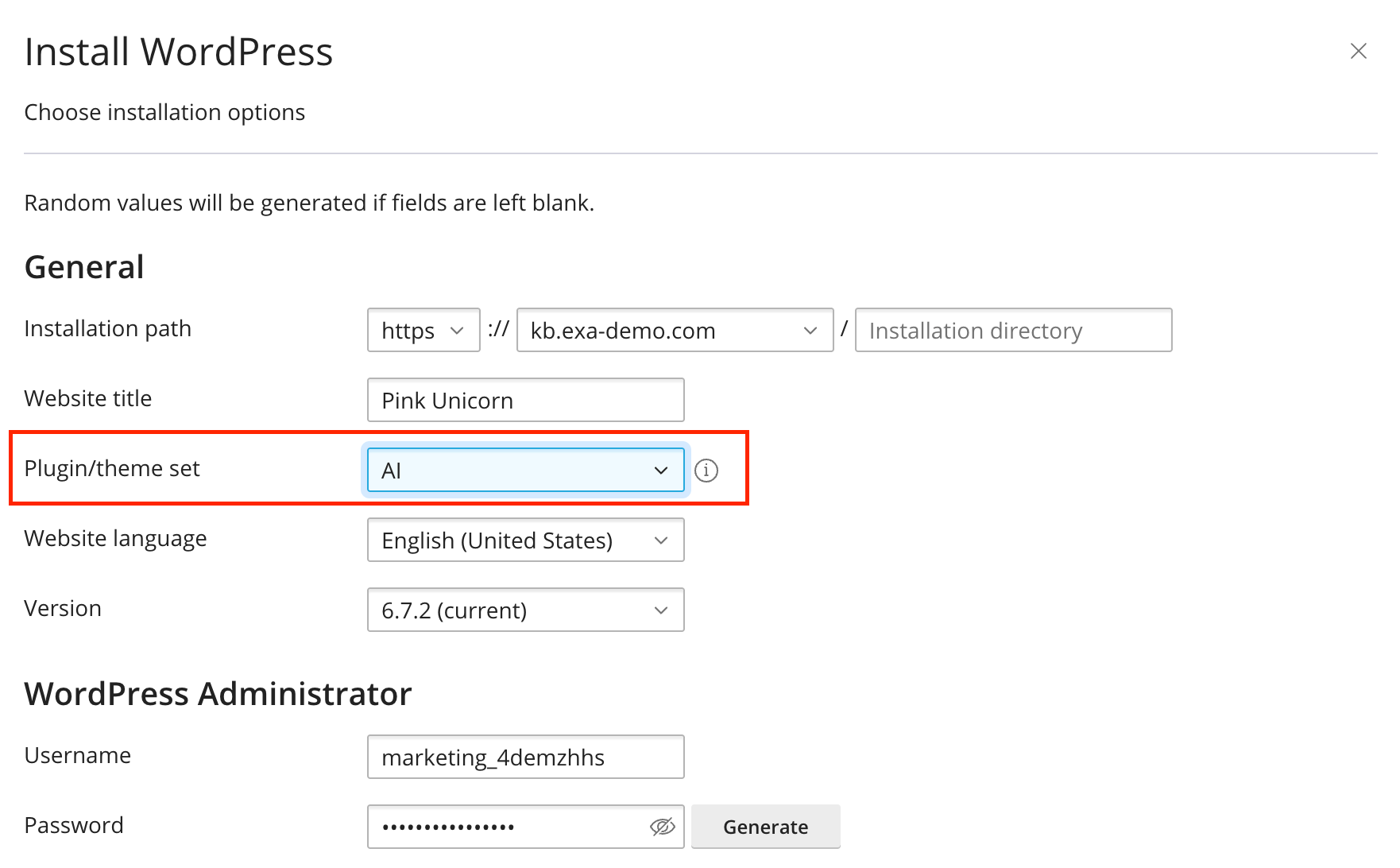
3. The prompt on the WordPress installation is visible, and make sure to select "AI" to the drop-down menu on the Plugin/Theme set.
4. The WordPress core will be installed with a visible prompt in the bottom right corner followed by the AI set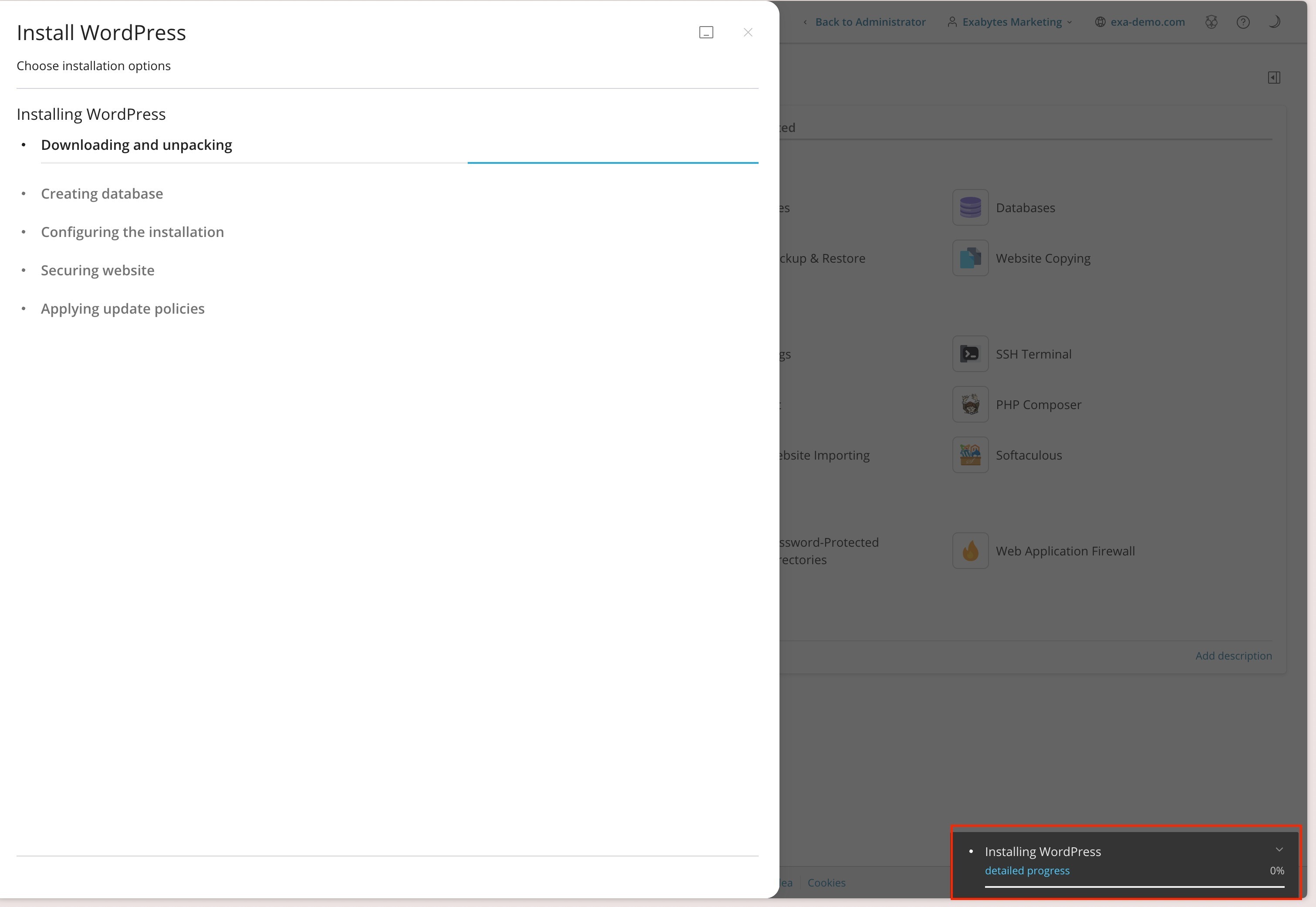
5. The following "AI" set will be installed with its progress in the bottom right corner
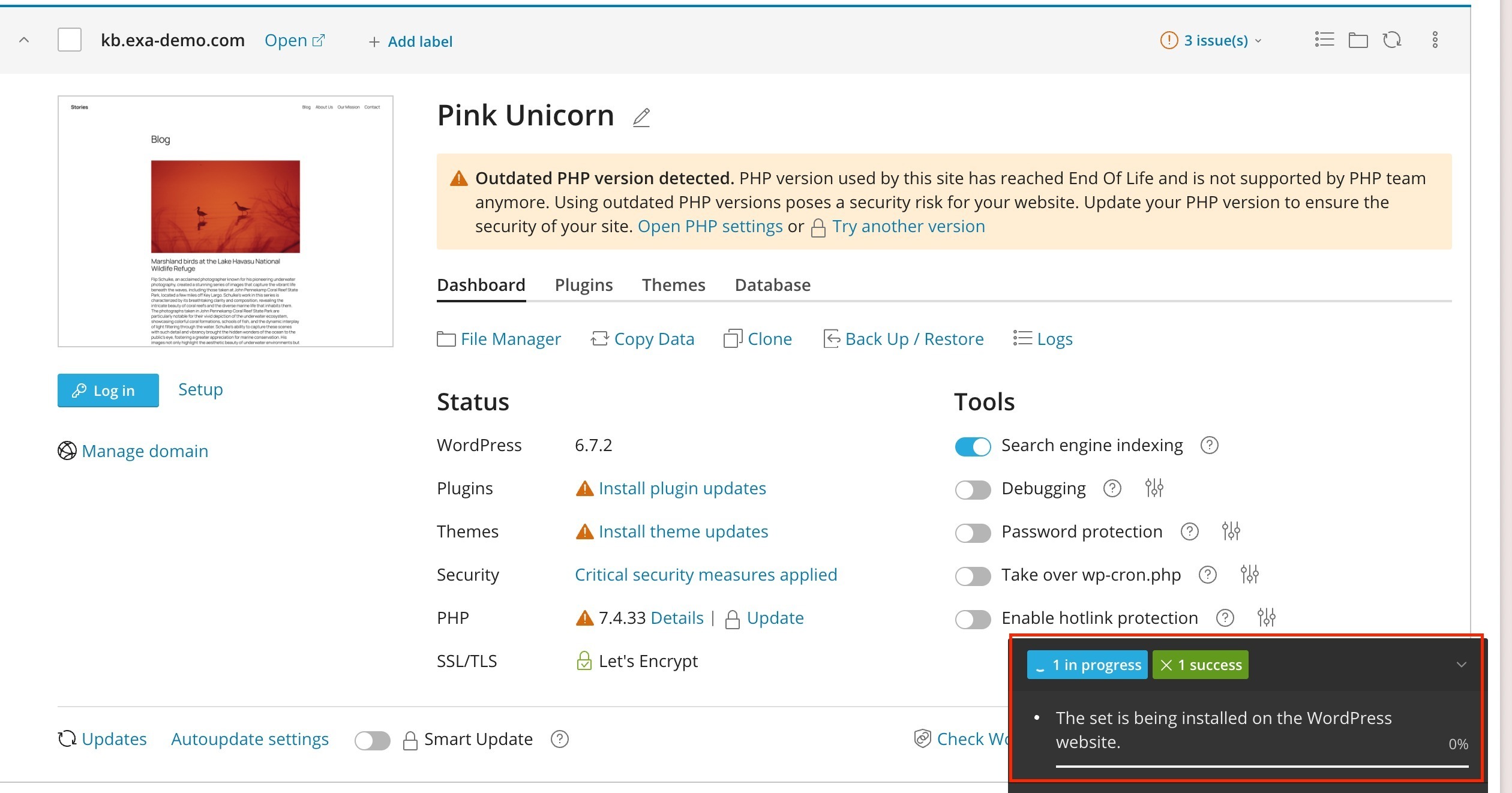
Note: Allow time for the plugins & themes to be installed.